Installation
Prerequisites
The supported setup is Docker-based. Install:
- Docker Engine
- Docker Compose, either as
docker-composeordocker compose git-lfsmake
1. Install Docker
Install Docker Engine and Docker Compose by following the Docker documentation for your platform. For Ubuntu, see Install Docker Engine on Ubuntu.
2. Clone the repository
This repository stores the bundled MaxQuant executable ZIP with Git LFS. If git-lfs is missing, the clone will contain a small pointer file to MaxQuant_v_2.4.12.0.zip at app/seed/defaults/maxquant.
If git lfs is missing or the MaxQuant ZIP is still a pointer file
On Ubuntu or Debian, install and initialize Git LFS:
sudo apt update
sudo apt install -y git-lfs
git lfs install
If you already cloned and only need to materialize the bundled MaxQuant ZIP:
git lfs pull --include="app/seed/defaults/maxquant/MaxQuant_v_2.4.12.0.zip" --exclude=""
If you use GitHub's browser "Download ZIP" option instead of git clone, the archive only includes the real MaxQuant ZIP when the repository setting to include Git LFS objects in archives is enabled.
git lfs install
git clone git@github.com:LewisResearchGroup/LAMPrEY.git LAMPrEY
cd LAMPrEY
git lfs pull
3. Generate the configuration
./scripts/generate_config.sh
This creates .env and the local data directories under ./data/.
For a normal local installation, you usually do not need to change anything yet. The generated defaults are enough to continue with the installation.
Only review .env now if you already know you need a different hostname, storage location, or email setup.
Default local configuration in .env
The generated file includes local-safe defaults such as:
# LAMPrEY CONFIG

## HOMEPAGE SETTINGS
HOME_TITLE='LAMPrEY'
HOSTNAME=localhost
ALLOWED_HOSTS=localhost
CSRF_TRUSTED_ORIGINS=http://localhost
OMICS_URL=http://localhost:8000

## STORAGE
DATALAKE=./data/datalake
COMPUTE=./data/compute
MEDIA=./data/media
STATIC=./data/static
DB=./data/db

## EMAIL SETTINGS
EMAIL_HOST=smtp.gmail.com
EMAIL_USE_TLS=True
EMAIL_USE_SSL=False
EMAIL_PORT=587
EMAIL_HOST_USER=''
EMAIL_HOST_PASSWORD=''
DEFAULT_FROM_EMAIL=''

## CELERY
CONCURRENCY=8
RESOURCE_RETRY_SECONDS=60
MIN_FREE_MEM_GB_MAXQUANT=8
MAX_LOAD_PER_CPU_MAXQUANT=0.85
MIN_FREE_MEM_GB_RAWTOOLS=2
MAX_LOAD_PER_CPU_RAWTOOLS=0.90

## RESULT STATUS (web UI responsiveness vs strictness)
RESULT_STATUS_INSPECT_TIMEOUT_SECONDS=10.0
RESULT_STATUS_PENDING_STALLED_WARNING_SECONDS=7200
RESULT_STATUS_DONE_MTIME_SKEW_SECONDS=300
RESULT_STATUS_MAXQUANT_STALE_SECONDS=21600
RESULT_STATUS_RAWTOOLS_STALE_SECONDS=3600
RESULT_STATUS_ACTIVITY_FALLBACK_SECONDS=300
RESULT_STATUS_INSPECT_MAX_VISIBLE_RUNS=25
RESULT_STATUS_INSPECT_MAX_ACTIVE_RUNS=12

## USERID
UID=1000:1000

## SECURITY KEYS
SECRET_KEY=...
4. First-time run
This guide uses make targets as shortcuts for Docker Compose commands. If your Docker setup requires elevated privileges, run the make targets with a user that can use sudo; otherwise they run without it.
About the make command
make is a host-side convenience tool. It is not part of Docker and it is not provided by the application container.
On Ubuntu or Debian, install it with:
sudo apt update
sudo apt install make
If make is not available on your system, you can still run the equivalent docker compose ... commands manually.
Run:
make init
This is the command to use on a clean installation. make init performs the full first-run setup:
- pulls the published container image
ghcr.io/lewisresearchgroup/lamprey:${IMAGE_TAG:-latest} - creates and applies Django migrations
- prompts you to create a superuser
- runs
collectstatic
Short example of the interactive flow:
$ make init

// Pull and start the published application image
Pulling app image...
Starting initialization containers...

// Create Django migrations for project apps and apply them
Running makemigrations...
Applying migrations...

// Define the first admin account
Email address: admin@email.com
Password: ***
Password (again): ***
Superuser created successfully.

// Collect static files and seed demo content
Running collectstatic...
Bootstrapping demo data...

Initialization complete.
What to do when the published image is unavailable
If the published image is unavailable in your environment, use the local-build fallback instead:
make init-local
make init-local performs the same first-run setup, but builds the application locally using docker-compose-develop.yml before running migrations and initialization commands.
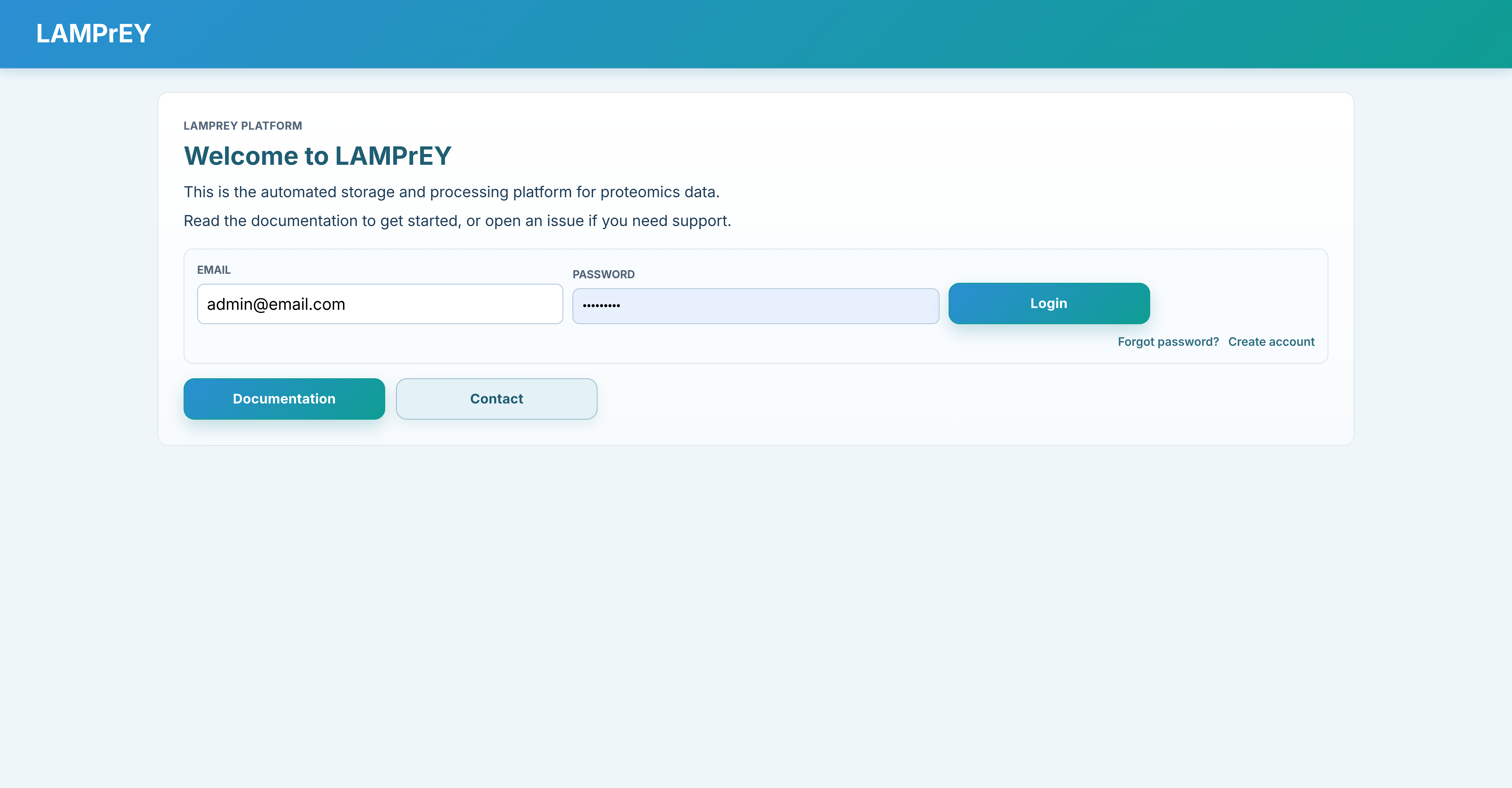
5. Start the application
For development:
make devel
This starts the Django development server on http://localhost:8000.
For production-style local serving:
make serve
This starts the production stack on http://localhost:8080.
To stop the containers:
make down
6. Production notes
Configuration notes
If you are only running the application locally, the generated .env defaults are usually sufficient.
Review .env before exposing the service outside your machine or when you need custom paths or email:
ALLOWED_HOSTS: comma-separated hostnames or IPs Django should serveCSRF_TRUSTED_ORIGINS: full origins such ashttps://proteomics.example.orgOMICS_URL: the base URL users actually open, for examplehttp://localhost:8080in local production mode or your publichttps://...URL- Email settings if you want outbound email
- Storage paths if you want data outside
./data
Developer notes
The queue is resource-aware. Before each task starts, the Celery worker checks host load and available memory. If thresholds are exceeded, the task is deferred and retried after RESOURCE_RETRY_SECONDS.
For large pipelines, tune result-status responsiveness via:
RESULT_STATUS_INSPECT_MAX_VISIBLE_RUNSRESULT_STATUS_INSPECT_MAX_ACTIVE_RUNS
Lower values reduce expensive queue inspection and keep the UI responsive on large run lists.
Exposing the service
make serve publishes the application on port 8080. If you want to expose it on a real domain, place a reverse proxy such as NGINX in front of it and forward external traffic on ports 80 or 443 to port 8080.
In production, Django does not serve static files directly. make init already runs collectstatic for the first deployment. Run make collectstatic again after static asset changes before restarting the production stack.
Rebuild versus restart
make devel reuses the existing development image. Use it for normal development when only application code changes.
If you change requirements.txt, dockerfiles/Dockerfile, or dependency pins that affect the runtime environment, rebuild the development image:
make devel-build
This forces Docker to rebuild the image so installed packages match the repository state.