Overview
How to access the admin panel?
If you followed the steps in the installation you have already created an admin account and started the LAMPrEY server.
Use a web browser and navigate to your local server or your deployed domain. For local setups this is usually http://localhost:8000 in development mode or http://localhost:8080 in production-style mode.
The admin page can be accessed using two methods, one using the ADMIN button:
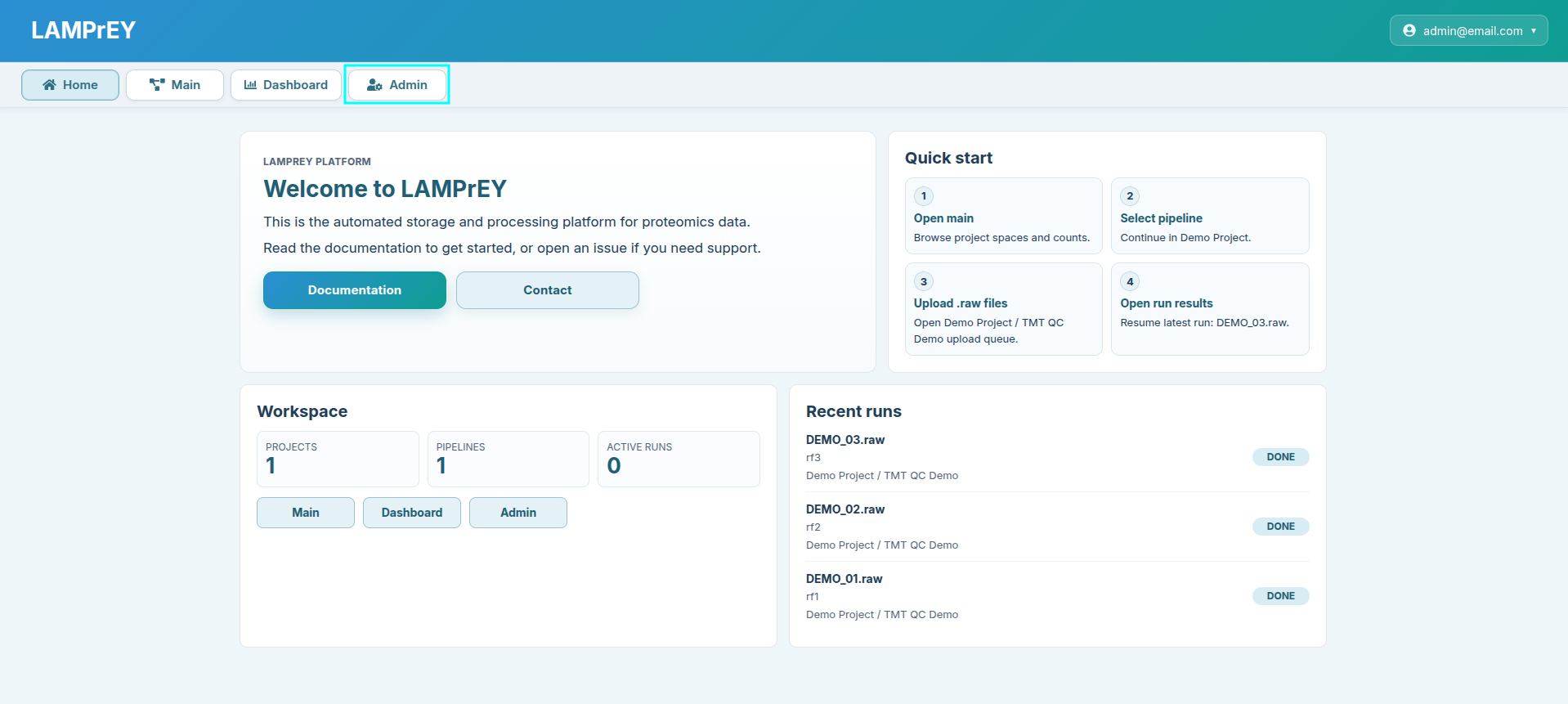
or by login into the admin page through the URL http://localhost:8000/admin for development or http://localhost:8080/admin for production.
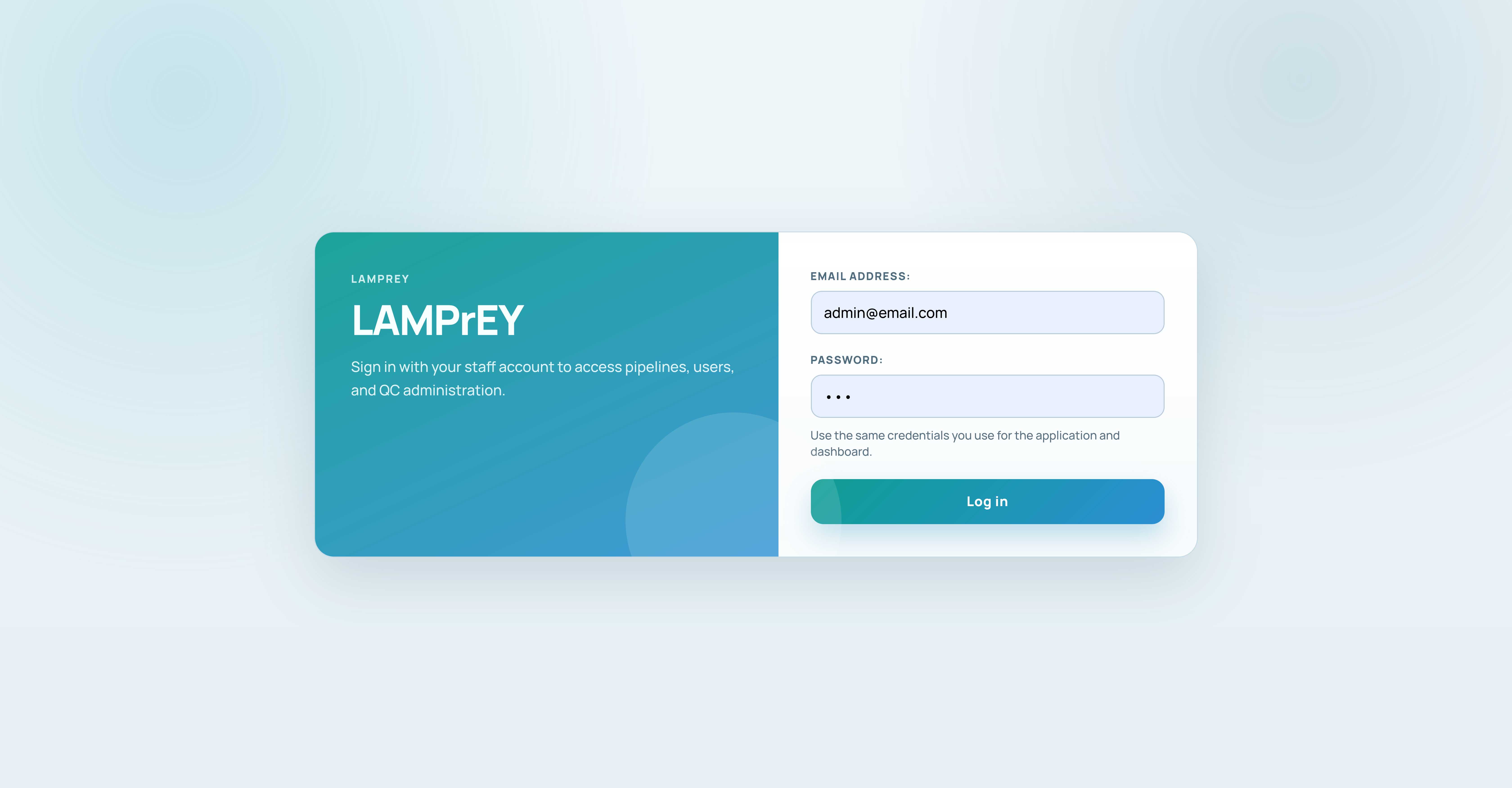
After successful login the following view opens.
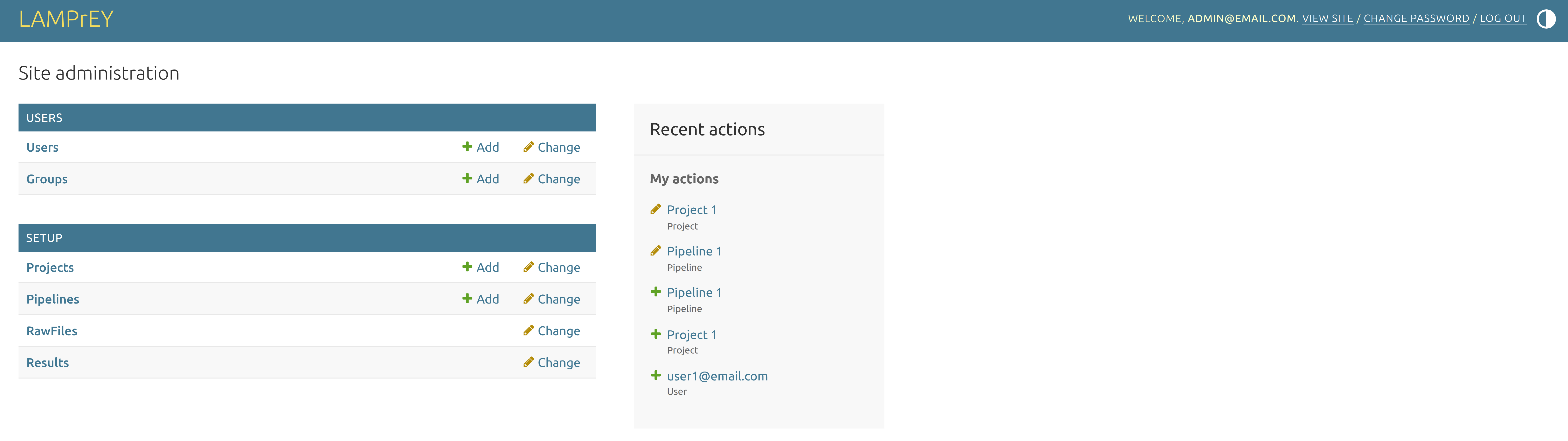
This is the admin panel where users, projects, pipelines, and related resources can be managed.
Admin workflow
What belongs under the admin panel
The admin panel is where the platform structure is created and maintained.
Use it when you need to:
- add a user
- create a project
- prepare
mqpar.xml - create a pipeline
- submit RAW files after a pipeline has been configured
- Protein group FDR correction picked-group FDR correction
This matches the architecture where administrative configuration feeds the operational views in Main and the analytical views in Dashboard.